Quickstart
In ten minutes you will write a pipeline, run it offline, serve it with a live UI, schedule it, make it retry, and backfill a date range.
1. Write a pipeline
Decorate plain functions. Parameters come from the type hints and are coerced before the flow runs.
# pipeline.py
from datetime import date
from cereyan import flow, task, get_run_logger

@task
def extract(day: date) -> list[int]:
    get_run_logger().info("extracting %s", day)
    return [1, 2, 3]

@task
def load(rows: list[int]) -> int:
    return sum(rows)

@flow(run_name="etl-{day}")
def etl(day: date = date(2026, 9, 6)) -> int:
    return load(extract(day))

if __name__ == "__main__":
    print(etl())
A flow is still a function. Calling it runs the tasks in order, records a run with its task runs and logs, and returns the result:
2. Run it offline
python pipeline.py                                    # records a run in ~/.cereyan/db.sqlite
cereyan run pipeline.py:etl --param day=2026-01-02    # same, with parameters and a summary
cereyan runs ls --state Failed --json                 # inspect history
Nothing else is running. Every run lands in the local SQLite store, and cereyan run exits 0 on success, 1 on failure, 2 when nothing ran, and 3 on a loading or parameter error.
3. Serve it
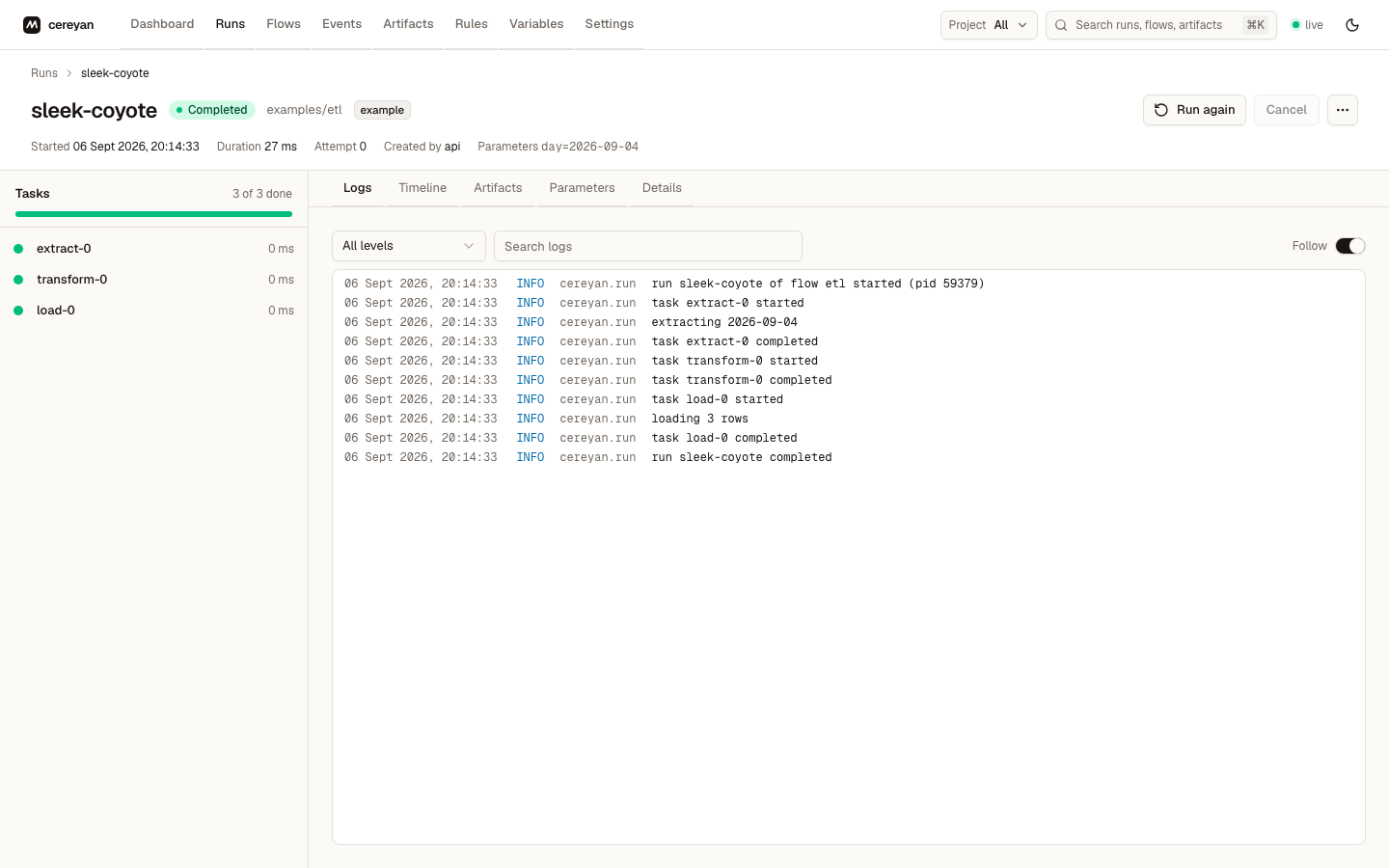
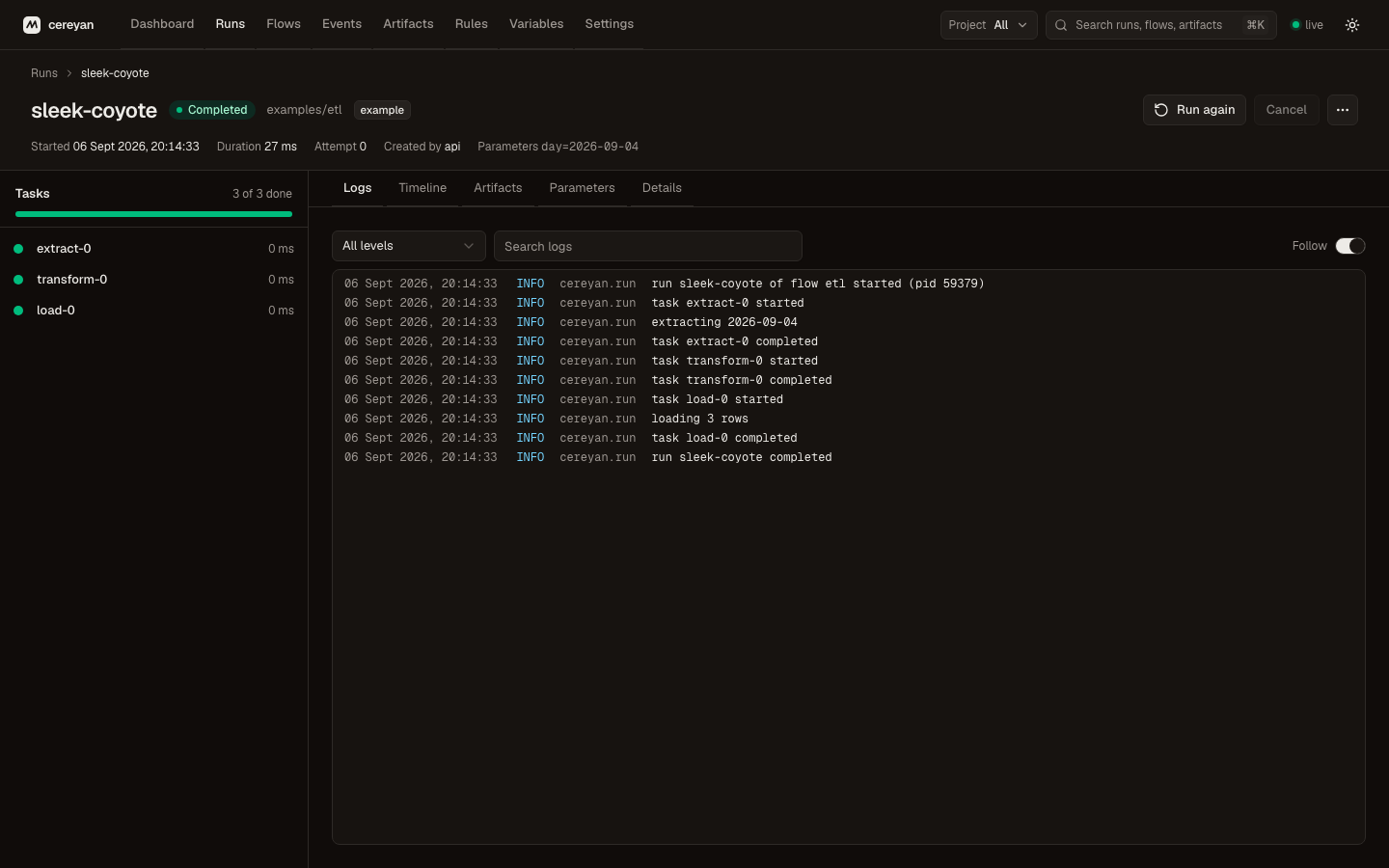
One process now hosts the HTTP API, the web UI, the scheduler, and a warm pool of engine processes that execute runs. The dashboard shows runs and logs live. Scripts and cereyan run keep working while the server is up: they hand their run to the server and stream its logs back.
4. Schedule, retry, and write idempotent outputs
from datetime import date
from cereyan import flow, task, Cron, LocalTarget, exponential

@task(output=lambda day: LocalTarget(f"out/{day}.parquet"), retries=2, retry_delay=exponential(1))
def build(day: date):
    with LocalTarget(f"out/{day}.parquet").open("w") as fh:
        fh.write("...")

@flow(schedule=Cron("0 9 * * *", timezone="Europe/Istanbul"), max_concurrent=1)
def daily(day: date = date(2026, 9, 6)):
    build(day)
schedule=fires the flow every morning at nine in Istanbul once a server is running.retries=2with an exponential delay rerunsbuildwhen it raises.output=names a target. When the file exists the task is skipped, so rerunning a day is safe.max_concurrent=1keeps two runs ofdailyfrom overlapping.
Run it twice: the second call skips build because its target exists.
5. Backfill a date range
With the server running:
This creates one run per day, tagged backfill:<id>, with at most four executing at once. The Backfill dialog on the flow page does the same.
6. React to events
Rules run actions when events happen. A code rule is a decorated function:
from cereyan import App, emit_event

app = App("warehouse")

@app.rule(on="run.failed", flow="check_orders")
def page_someone(event, run):
    print("failed:", run["name"])

@app.flow
def check_orders():
    emit_event("orders.table_empty", {"table": "orders"})

check_orders()
Rules can also be created in the UI with webhook, email, run-flow, cancel, set-state, and schedule actions, and a rule can fire when an expected event does not happen.
Next
- Take the tour of the UI.
- Read the concepts for the model behind what you just did.
- Pick a guide: retries and timeouts, schedules, backfills, rules, waiting without holding an engine, or using cereyan with an AI agent.
- See the examples: a durable load, admission control, and freshness and deadlines each show one of the newer features end to end.